Get lifetime access to abilityX for £9.99
Exclusive to National Disability Card holders. Redeem your NDC promotional code directly in the abilityX App.
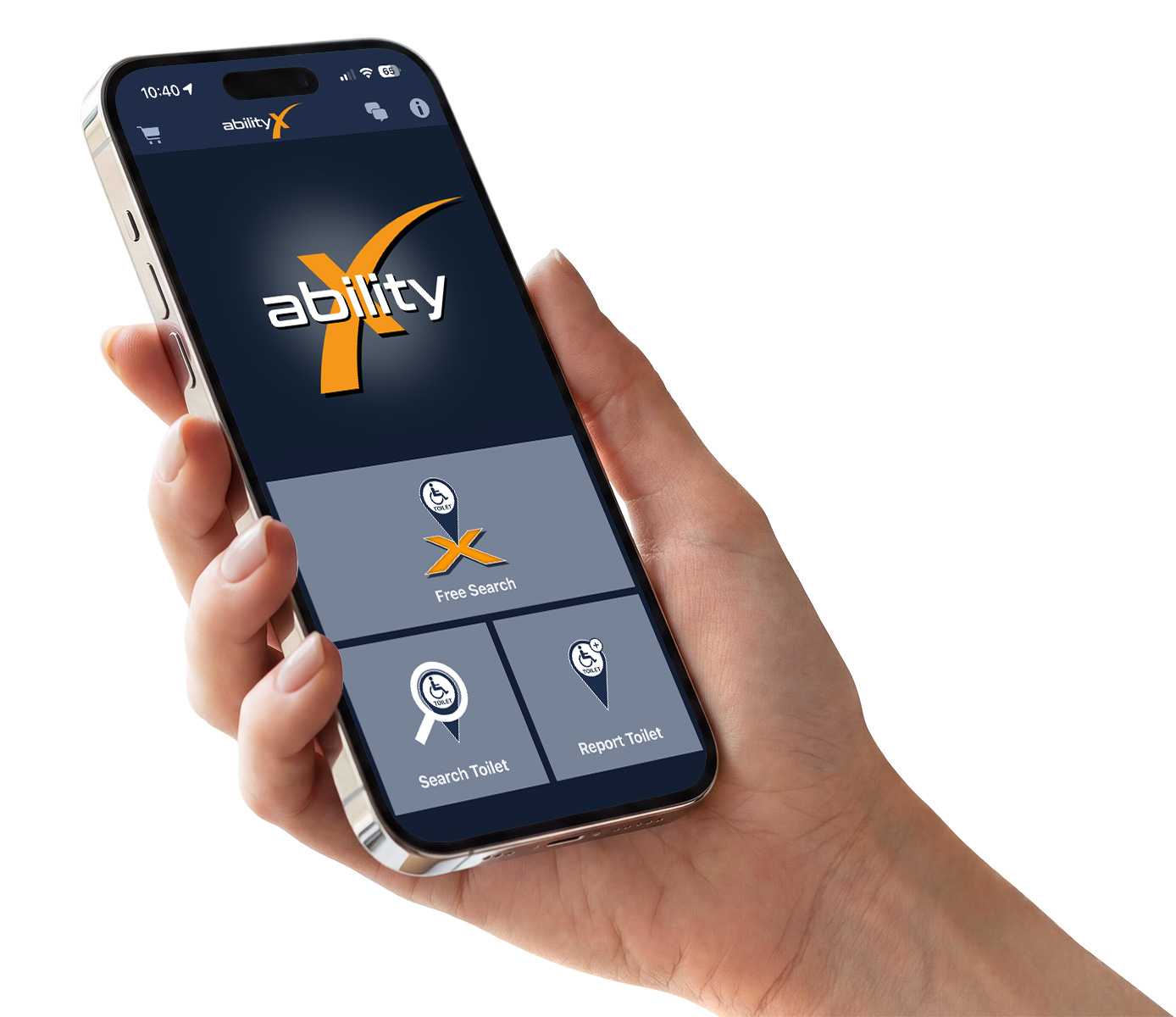
How to redeem your NDC code
Download and open abilityX
Install the abilityX App from the App Store or Google Play and open it on your device.
Open the shopping cart
Tap the shopping cart icon in the top-left corner of the app.
Find “Promo Code”
Scroll down to the “Promo Code” section.
Enter your NDC code
Enter your code in the “Enter Promo Code” field.
Confirm your code
Tap “Confirm”. abilityX will let you know when your code has been accepted.
Choose the discounted Lifetime Version
Select “LifeTime Version (Discounted Promo Version!)”.
Complete your £9.99 purchase
Your exclusive NDC price of £9.99 will be shown automatically. Complete the purchase as usual through the App Store or Google Play.
You’re all set.
Once the purchase is complete, your abilityX Lifetime Version is unlocked.
More confidence
when you’re out and about
Find accessible toilets, check RADAR Key information and review useful accessibility details before you go.
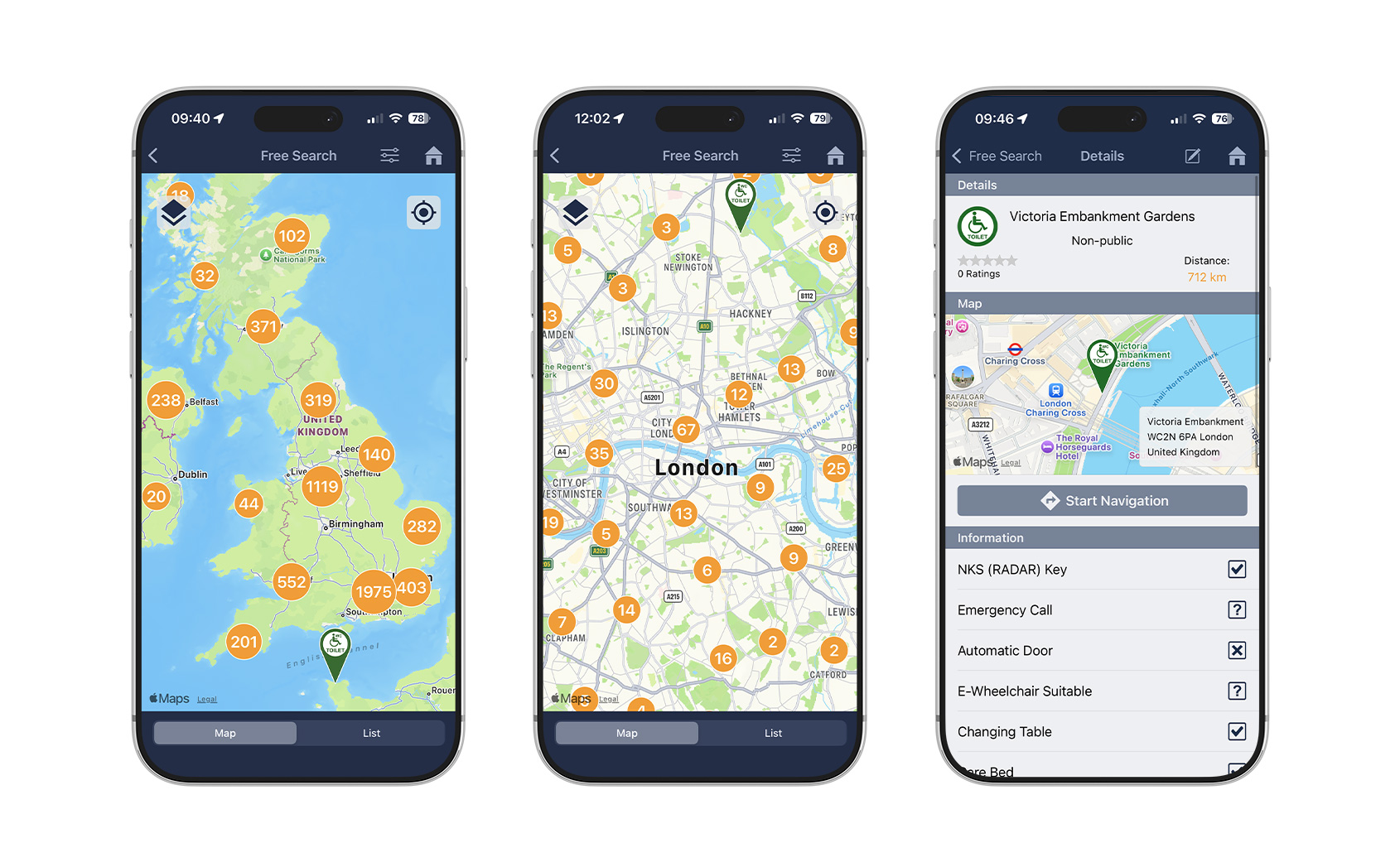
Live data. Updated in real time.
Where can I find my NDC promo code?
Your exclusive promo code is available through the National Disability Card member area. Sign in to your NDC account, open the abilityX offer and choose the code for your device.
Please copy the code exactly as shown. Each code is intended for one platform and may only be redeemed once.

between the National Disability Card and abilityX.
Need help redeeming your offer?
redeeming your NDC offer, we’re happy to help.